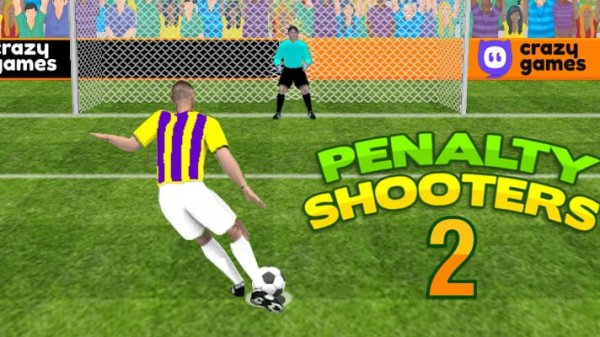
Penalty Shooters 2 Online Soccer Game Arcade Game
SportsReviews
Penalty Shooters 2 offers a straightforward penalty shootout experience with plenty of replay value. Choosing from 360 teams across 12 fantasy leagues keeps each match different. The controls are responsive and easy to learn. Matches are short, making it ideal for brief gaming sessions. The game avoids complexity and focuses on the core fun of scoring and saving penalties. It is a solid choice for soccer fans who want a quick, satisfying challenge.
About this game
Penalty Shooters 2 puts you in the decisive moments of a soccer match. You select a fantasy league from countries like Argentina, Brazil, England, France, Germany, Italy, Mexico, the Netherlands, North America, Russia, and Spain. Each league has 12 unique teams, giving you 360 choices. Your goal is to score more penalty kicks than the opponent to advance through the tournament and become champion. The game captures the tension and excitement of real penalty shootouts in a simple, accessible format.
How to play Penalty Shooters 2 is easy to learn. Use your mouse to aim and shoot. Hold the mouse button to raise the shot height, then release to kick the ball. When playing as goalkeeper, watch the shooter and follow the red target on screen. Click and hold to move your goalkeeper, then release to dive and save. Each round has five turns. Vary your shots to keep the goalkeeper guessing, and stay alert to block the opponent's kicks. Timing and focus are key to winning.
Game features: Choose from 12 fantasy leagues and 360 unique teams. Intense but straightforward penalty shootouts. Continue playing until you become champion. Simple mouse controls work on desktop and mobile. Fast matches fit into short breaks. No complex rules or long matches.
Why you will like it: Penalty Shooters 2 delivers the thrill of penalty shootouts without the wait. The wide team selection keeps each game fresh. Easy controls let you jump right in. It is a relaxing yet engaging way to enjoy soccer.
Compatibility
This H5 game runs smoothly on: • Desktop computers (Windows / Mac) • Mobile phones (iPhone / Android) • Tablets (iPad / Android) 🌐 Best experienced with Chrome, Safari, or Edge